Saturday, February 27, 2016

Week 7 and Google Docs

Goggle Docs is a phenomenal tool for collaborative learning.  Working in groups, presentations and documents can be shared and edited by all the members.  All members of the group are permitted a voice and the opportunity to express their unique ideas and share information.  I like Goggle Docs as I find it user intuitive and very similar to  word documents and power point in its set up.  Three ways I could incorporate Goggle Docs are with group work, sharing documents and presentations with other students.  In my private life Goggle Docs can be used to develop a document that may require input from other family members (a legal document for example).  Google Docs collaborative nature closes the distance gap.

"Collaboration" retrieved http://blogs.msdn.com/blogfiles/willy-peter_schaub/windowslivewriter/vstsrangersprojecttfs2tfs.introducingait_a2dd/clipart_of_16323_sm_2.jpg


In past coursework online for group members to collaborate and work together on presentations, the options were either to send a draft via email where members could add/edit and return or collaborate using Skype where meetings can be held.  However, the downside to Skype is if there are more than two (possibly three) people talking, someone always loses the signal.  This was my experience where there were 5 members of the group.  We had a large project to complete together and all five lived in different cities.  We turned to Skype and managed  to gather up enough information to produce a fine group project.  As mentioned two or three of the five members of the group on Skype would lose their signal; however other group members would summarized the exchange and  post it online  This is a great example of group work and collaboration.

One of questions asked is will I add Goggle Docs to my PLE?  YES, I definitely will add this great tool.  Other tools I believe I will keep are Twitter and Feedly.  Tools I am considering deleting from my PLE are Goggle Alerts and Evernote.  I'm finding Goggle Alerts inundates me with information (some irrelevant) and Evernote I just haven't understood the capabilities of it.  Perhaps with time and practice I will!

 My feedly account always has information in my health folder about the Zika virus.  I've added two more links as officials in Brazil are becoming increasingly concerned with the spread of the Zika virus and the upcoming Olympics in August.  There are reports of the virus in other countries too because of our world wide travel habits.


Christine


Sunday, February 21, 2016

Week Six Evernote

Week six concentrated on the use of Evernote as a digital tool where all my information can be stored in notebooks. I can categorized the notebooks (along with my notes) to easily find information, however as with past tools (for example feedly) I found the tutorials and web pages do not match the pages I see displayed on my computer.  Something I have discovered about Evernote is the Evernote icon is not always a choice when you wish to save an URL.  I think the information should be clearer to install the add-on web clipper.  Once I had this add-on installed it became much easier to do.   A aha moment for me!

"evernote icon" retrieved from Ahttp://www.rebelmom.com/wp-content/uploads/2010/07/Evernote-icon.pngdd caption


An idea I have discovered from the readings this week is using Evernote to store academic information.  There is so much fluff on the internet and so much misinformation, clipping random web pages about a topic feels too simplistic for university use.  Once I read the article from Macrogeek 1 (2010) describing how to use Evernote to manage research topics the abilities of Evernote came together for me.  I believe I will use this tool for my PLE.

Here's an interesting article about free college for the students in the United States.  There are many advocates for free tuition, however the statistics show countries that do provide free tuition do not have a more educated population.  Interestingly enough is Canada is tied for second place (with Japan) in having 58% of the population having some post-secondary education.  I have a good friend in Belgium where free post-secondary education is provided.  The tax rate in Belgium is somewhere around 21-22% on everything!  I visited Belgium last spring and although it is considered expensive, the public transit is not, food is similar (I think much better) but here's the catch, no tipping for service!  When I add up what I will pay for a restaurant meal in Canada plus the tip, its quite comparable to what I would pay in Belgium (with the tax).  Belgium has free health care including dental and free tuition (there is a yearly fee of approximately $1000.00 Canadian).  I wonder which system is better?
Hamilton, C (cc) 2015

As with many of the online tools for learning I have explored in the first six weeks of the coursework, I will need more time to become proficient in their use.  Indeed I will need more time and practice to understand all the capabilities of each tool and determine where it fit in my goals for learning.  Each person according to their PLE and PLN will have different needs.  I am still in the exploration stage.  I need more time to reflect on how each tool will or will not help me reach my goals.   As I  approach week 7 I feel I have information overload about the new digital tools!  However,  I am feeling a bit more confident in my technical abilities!  With all the technological tools available, it becomes very important to understand the responsibilities that come along with their use, become a good digital citizen and leave a positive digital footprint.

Christine


Macrogeek (2010).  How to use Evernote to manage research articles (youtube) retrieved from http://www.youtube.com/watch?v=fyrE6SpTNSA

Saturday, February 13, 2016

Wow Week 5 and Twitter!

There was a lot of reading and viewing tutorials this week on Twitter and how it can enhance education.  Twitter for education?  This idea has challenged my assumptions about Twitter!  As with many people, I assumed Twitter was used to follow super sports stars and celebrities. Truly I thought people who used Twitter had a lot of time on their hands!

Twitter can be used to enhance learning, share ideas around the globe and harvest the best ideas.  I can find and follow people who come up with original ideas and are willing to share.  I can share my ideas.  I like to compare Twitter to texting...short burst of information, no longer than 140 characters long.  I like the analogy of Twitter as a river.  Blogger Kathleen Morris says you can just "lurk" and read tweets but she suggests "the more you put in, the more you get out".  For me this statement suggests as a tweeter, I need to collaborate and share with others to get the most out of this cool tool.  It does worry me though, that I may tweet something which has no relevance or my information is incorrect and I could embarrass myself in cyberspace.  Of course though this is part of the learning process!

Hamilton, C. (cc) 2008

Another good experience I have had with Twitter is the ability to follow people and  see who they are following.  This helps to build up my list of people who are interested in similar information.  I don't however need to find people who agree with my point of view.  To grow my own PLN, I think its important to find opposing views and  subject area specialists whose ideas can change the way I think. 

I think the capabilities of Twitter will help digital literacy.  I don't need to post a lot of information and I can quickly skim through the tweets. It won't close the digital divide we have where some people do not have access to the internet because of technology.  As I have posted previously in remote areas of Northern Ontario, the internet is not reliable as it relies on satellite and if the satellite is down then there is no internet.  Many people assume that everyone has access to a computer.  As Ribble (2015) says "...not everyone has the ability to use all the tools that this new digital society provides.  Because of socioeconomic status, disabilities, and physical location...these opportunities are not equally available..."(p.24).  But those with equal access I think will find the Twitter tool a great resource for learning.  I just needed to dismiss my own assumptions about Twitter and how it can be used in education.
Hamilton, C. (cc) 2010


Here's another thought about using Twitter and all other technology tools, reading!  I found this posting on the importance of reading and how to encourage it.  

One of questions asked this week is will I use Twitter to build my PLE?  Of all the tools I have discovered, I believe Twitter is a definite yes to add to my PLE.

Christine


Morris, K. (2015).  Using Twitter to Build Your PLN retrieved from http://teacherchallenge.edublogs.org/pln-challenge-3-using-twitter-to-build-your-pln/

 Ribble, M. (2015).  Digital Citizenship in Schools 3rd edition.  Oregon:  ISTE


Sunday, February 7, 2016

So many to try/ Week 4

Week 4 concentrated on cloud booking marking tools Diigo and a curating tool Goggle Alerts, online tools for learning, storing, and organizing.  If only my private life could be categorized so easily and organized so efficiently!  Once I had established my account, it wasn't  difficult to add bookmarks and alerts.  I checked my Feedly account and found a few items of interest to me and I will share them further along in this posting

What I found interesting this week are the ideas surrounding curating content.  According to influential technical guru Robert Scoble, curating content will be "an essential 21st essential digital skill".  Curating content involves selecting and researching  the best information and then displaying it in a manner that makes it easy to understand and easy to find.  This can involve text or images or video or a combination of both.  The goal of curating content is to sift through the realms of information presented and then highlight, curate and organize the information.  Its not only a summary of information but provides expert opinions on the information.  As the expert curator on the topic, you are able to add your own comments and your own voice to the information.  Adding your own voice is especially important if as the curator you have created a blog on the topic.  Blog readers will gravitate to your information because you have presented it in a manner that provides interest.  Curating content is not just a summary of information.  As the curator, you must not only do the best research and use the best tools, you must add your own opinion and voice.

"Museum curator" (online image) retrieved from https://wamtac.files.wordpress.com/2010/08/edu_dawoud-bey-artist-in-residence-galleries_2009_084.jpg caption


I'm a fan of David Suzuki and have for some time received environment tips from the Queen of Green blog, so naturally I included this in my feedly account.  I like the idea of saving money, helping the environment and re-using items.  I have already incorporated the idea of  re-using the silica gel packs ( you find them in your vitamin containers) into my brown sugar and salt containers.  These little packages help absorb moisture and keep your sugar and salt from clumping together.  Easy to do and a smart tip especially during the humid summer weather.  There are other uses for them including using for camping equipment and with clothes storage.

This other tip is how to use your own homemade shampoo.  I haven't tried this myself but it certainly sounds interesting.  If you would like to explore more on how to make your own shampoo check out Queen of Green's blog on secrets to homemade hair care

Discovering the new tools presented this week and finding success in understanding the goals behind the online tools, I have finally felt I am making some headway.  Learning and using the tools is certainly outside of my comfort zone!  However, I am very excited about the possibilities of curating content and how important this role will become to disseminate the realms of information available online.  Wouldn't it be wonderful to have a blog or site that will sift through the information and present to you in a way that is meaningful, interesting and would add value to the type of work you do now or in the future?  I can see this role as a very powerful tool.

Christine


Scoble, R. (2016).  Curating Content retrieved from https://courses.p2pu.org/en/groups/curating-content/

Saturday, February 6, 2016

My Experience Using Diigo/Thing 15

Week 4 and onto new online tools!  Until I began the coursework I had no idea about the web tools available for students and educators (or anyone!).  This week I experienced a new tool called Diigo.  Diigo (and Delcious) are bookmarking tools that allow you to store your bookmarks on the web.  The greatest advantage I can see with Diigo is the ability to access your bookmarks from any computer, phone or tablet.  Diigo also helps you organize, archive, annotate and research information.

Here's the link to my Diigo library https://www.diigo.com/user/cshamilton

Christine

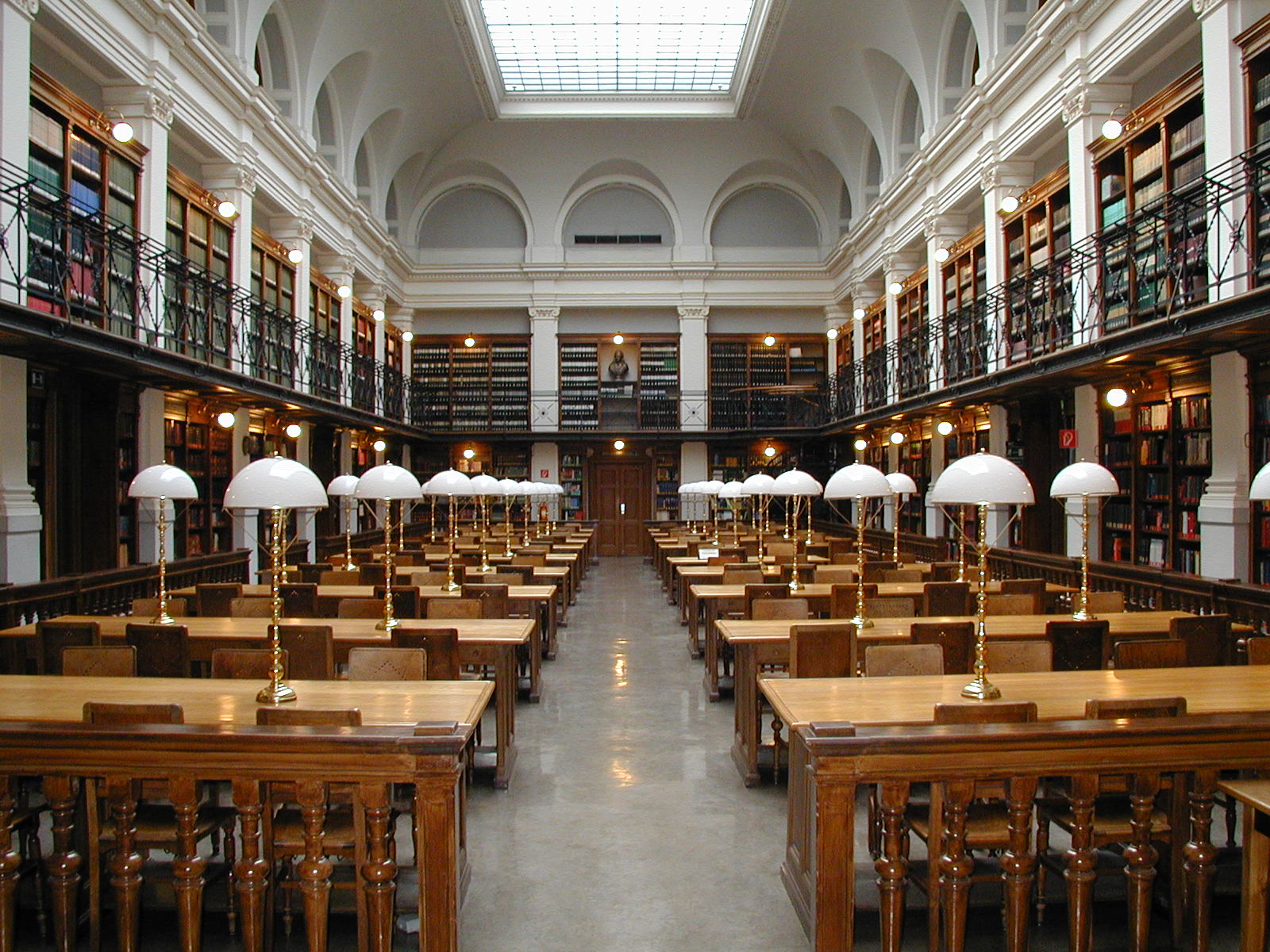
"Graz University Reading Room" (online image)  retrieved from https://simple.wikipedia.org/wiki/File:Graz_University-Library_reading-room.jpg